Monitor brightness and settings
Open alternatives4
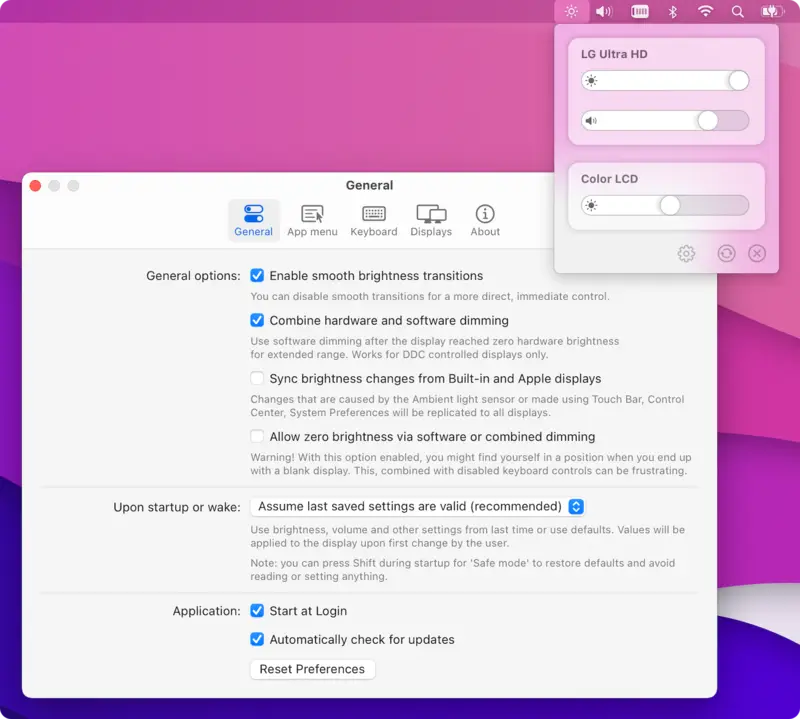
MonitorControl is a free app for Mac computers that lets you change the brightness, volume and contrast of external monitors from the Mac itself. It is for everyday Mac users who want to control a separate monitor with their keyboard or a menu bar slider.
Has 3 of 5
How many people bookmarked its code on GitHub. It shows how popular it is, not how good it is or how well it replaces the app.
How hard it is to start using it. Easy: install it like a normal app, or use it in your browser. Advanced: you run it on your own server, use the command line, or it is a tool for developers.
Its code changed within the last year, so someone is still looking after it.
Does the whole job.
Ordered by how fully it replaces the app, Verified, setup and, when there are enough, people's votes.
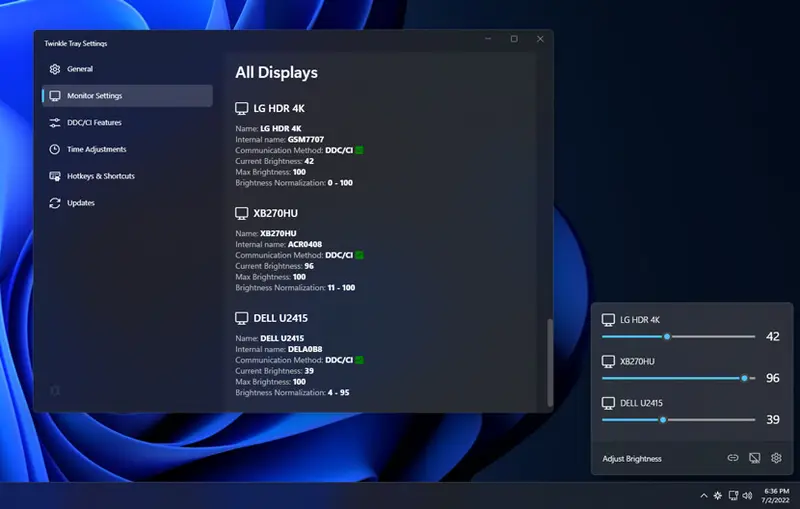
Twinkle Tray is a Windows app that adds a brightness control to the system tray so you can adjust external monitors from your computer. It is for Windows 10 and 11 users who want to change brightness on several screens at once.
Has 3 of 5 · Volume and input switching ✗
How many people bookmarked its code on GitHub. It shows how popular it is, not how good it is or how well it replaces the app.
How hard it is to start using it. Easy: install it like a normal app, or use it in your browser. Advanced: you run it on your own server, use the command line, or it is a tool for developers.
Its code changed within the last year, so someone is still looking after it.
Does part of the job.
Ordered by how fully it replaces the app, Verified, setup and, when there are enough, people's votes.
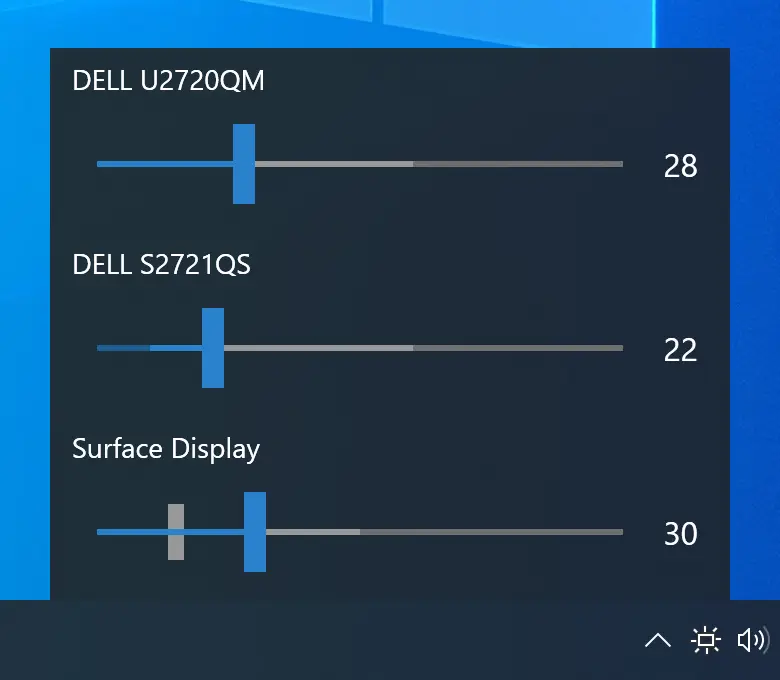
Monitorian is a free Windows tool that lets you change the brightness of one or several monitors from a single place on your computer. It is for Windows users who have external monitors and want to adjust them without using the buttons on each screen.
Has 2 of 5
How many people bookmarked its code on GitHub. It shows how popular it is, not how good it is or how well it replaces the app.
How hard it is to start using it. Easy: install it like a normal app, or use it in your browser. Advanced: you run it on your own server, use the command line, or it is a tool for developers.
Its code changed within the last year, so someone is still looking after it.
Does part of the job.
Ordered by how fully it replaces the app, Verified, setup and, when there are enough, people's votes.
ddcutil is a Linux command-line program that reads and changes settings on external monitors, such as brightness, color levels and input source, from the computer. It is for Linux users and system administrators comfortable with a terminal.
Has 0 of 5 · No commands needed ✗
How many people bookmarked its code on GitHub. It shows how popular it is, not how good it is or how well it replaces the app.
How hard it is to start using it. Easy: install it like a normal app, or use it in your browser. Advanced: you run it on your own server, use the command line, or it is a tool for developers.
Its code changed within the last year, so someone is still looking after it.
Does part of the job.
Ordered by how fully it replaces the app, Verified, setup and, when there are enough, people's votes.
| Project | |||||
|---|---|---|---|---|---|
| MonitorControl | · | ||||
| Twinkle Tray | |||||
| Monitorian | |||||
| ddcutil | · | · | · |
YesPartlyNoNot checked yet